

Rotary Axis Laser Engraving Machine Guide
Table of Contents
Introduction
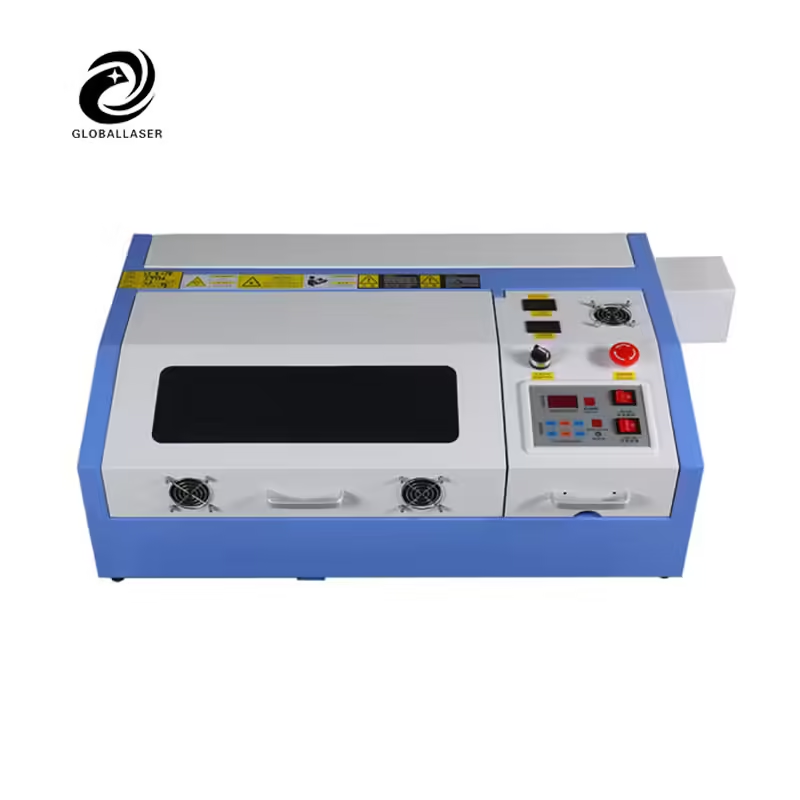
In modern manufacturing and customization industries, the rotary axis laser engraving machine has become an essential tool for achieving high-precision engraving on cylindrical or round objects. Traditional flatbed laser engravers are excellent for 2D surfaces, but when it comes to bottles, cups, rings, or pipes, adding a rotary axis accessory makes all the difference.
This article explains how the rotary axis works, how to set it up properly, and which industries benefit most from its precision and efficiency. Whether you are an experienced laser technician or a business owner exploring upgrades, mastering rotary axis engraving will elevate your production quality and creative possibilities.
What Is a Rotary Axis in Laser Engraving?
A rotary axis is an attachment designed to rotate cylindrical materials during the engraving process. It synchronizes rotational movement with the laser head’s motion, ensuring consistent marking depth and alignment across the curved surface.
Rotary axes are commonly used with CO2, fiber, or UV laser engraving machines. The type of machine depends on the material—CO2 for organic materials like wood or glass, and fiber for metals.
Benefits of Adding a Rotary Axis
Enables 360° engraving on cylindrical or tapered objects
Prevents distortion and misalignment on curved surfaces
Expands the range of compatible products and industries
Improves precision for branding and serial numbering
Allows batch production of cylindrical parts
Key Components of a Rotary Axis Laser Engraving Machine
A typical rotary axis laser engraving machine setup includes several essential components that work in perfect coordination. Understanding these parts helps ensure better setup and smoother engraving results.
| Component | Function | Note |
|---|---|---|
| Stepper Motor | Rotates the workpiece accurately | Controls rotational precision |
| Roller or Chuck Fixture | Holds the object securely | Rollers for bottles, chuck for rings/pipes |
| Control Board | Synchronizes rotary speed and laser path | Adjusted in software (LightBurn, EZCAD) |
| Drive Belt | Transfers motion from motor to rollers | Needs proper tension |
| Calibration Tool | Ensures accurate alignment | Must be used before production |
Setting Up a Rotary Axis for Laser Engraving
Step 1: Install and Connect the Rotary Axis
Turn off your machine before connecting the rotary attachment. Plug it into the dedicated rotary port on the controller board. Most CO2 and fiber laser machines include a port labeled “Rotary” or “U-Axis.”
Step 2: Adjust the Working Height
Place the rotary attachment on the work table and ensure it is leveled with the laser focus point. Adjust the Z-axis height so that the laser beam hits the centerline of the object.
Step 3: Secure the Object
Use rollers for larger items like cups or bottles and a chuck fixture for smaller cylindrical parts such as pens or metal rings. Make sure the item rotates freely without wobbling.
Step 4: Calibrate the Rotary Axis in Software
In LightBurn or EZCAD, enable the rotary function in the device settings. Set parameters such as:
- Steps per rotation
- Object diameter
- Circumference length
Proper calibration ensures that one full rotation corresponds precisely to the circumference of the engraved surface.
Step 5: Perform Test Engraving
Run a small test engraving pattern to check for alignment or stretching. Adjust speed and power as necessary before beginning full production.
Best Materials for Rotary Axis Laser Engraving
The rotary axis expands your machine’s capabilities beyond flat materials, enabling precise and creative designs on a wide variety of cylindrical products.
| Material | Recommended Laser Type | Common Applications |
|---|---|---|
| Stainless Steel | Fiber Laser | Cups, pipes, industrial tools |
| Glass | CO2 Laser | Bottles, wine glasses |
| Wood | CO2 Laser | Wooden mugs, pens |
| Aluminum | Fiber Laser | Mechanical parts, tumblers |
| Plastic | UV or CO2 Laser | Cylindrical packaging |
| Leather | CO2 Laser | Bracelets, accessories |
Advanced Tips for High-Precision Engraving
Control the Rotation Speed
The slower the rotation, the finer the engraving quality. However, if the speed is too slow, overheating may occur—maintain a balance based on material type.
Adjust Laser Power Gradually
Use lower power settings when engraving glass or coated metals to avoid surface cracking or burning.
Maintain Proper Focus Distance
Always refocus the laser before each engraving cycle, especially if the object shape is tapered or uneven.
Use Positioning Fixtures
For mass production, positioning fixtures help ensure that each piece is aligned consistently on the rotary axis, reducing setup time.
Clean Lenses and Mirrors Regularly
Dust and residue can affect laser beam intensity, leading to inconsistent engraving results over time.
Industrial Applications of Rotary Axis Engraving
The rotary axis laser engraving machine is used across various industries due to its versatility and precision.
Beverage and Packaging Industry: Engraving logos or barcodes on bottles and metal cans.
Gift and Customization Sector: Personalizing tumblers, pens, and jewelry.
Automotive and Aerospace: Serial number marking on cylindrical metal parts.
Medical Industry: Engraving scales and identification marks on surgical instruments.
Industrial Manufacturing: Pipe marking, tool labeling, and part tracking.
Comparison of Flatbed vs Rotary Axis Engraving
| Feature | Flatbed Engraving | Rotary Axis Engraving |
|---|---|---|
| Surface Type | Flat | Cylindrical / Tapered |
| Suitable Materials | Plates, panels | Cups, pipes, bottles |
| Setup Time | Minimal | Requires alignment |
| Precision on Curves | Limited | High accuracy |
| Applications | Signage, panels | Round objects, bottles |
Conclusion
Adding a rotary axis transforms a standard laser engraver into a high-precision rotary axis laser engraving machine, unlocking the ability to create detailed 360° designs on cylindrical materials. From personalized glassware to industrial-grade pipe marking, this accessory enhances both creative flexibility and manufacturing precision.
With proper setup, calibration, and maintenance, your rotary axis can deliver professional engraving results on almost any round object—turning simple surfaces into customized, high-value products.
FAQ
Can I use a rotary axis with any laser engraving machine?
Most CO2 and fiber laser engravers support rotary attachments, but you should confirm compatibility with your controller and software.
What type of rotary fixture should I use?
Use roller-type fixtures for larger objects like bottles and chuck-type for small, precise items such as rings or pens.
How do I avoid distortion during engraving?
Ensure correct diameter calibration in your software and maintain consistent rotation speed to prevent stretched or compressed patterns.
Can I engrave tapered objects?
Yes. Many rotary axes include adjustable rollers that can support tapered or conical shapes such as mugs or wine glasses.
What maintenance does a rotary axis require?
Regularly check the drive belt, lubricate moving parts, and clean the rollers to ensure smooth rotation and consistent accuracy.