

Essential Laser Engraving Wood Machine Ideas
Table of Contents
Introduction: Exploring the World of Laser Engraving Wood Machines
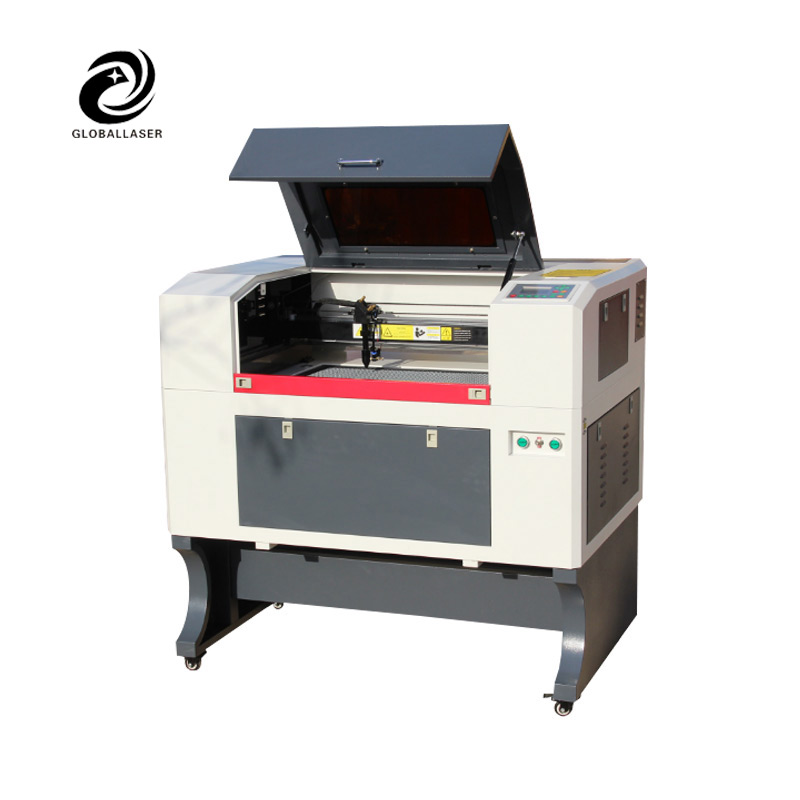
Laser engraving wood machines have transformed the woodworking and crafting industry, providing precision, speed, and versatility. Whether for personal projects or professional manufacturing, understanding the various concepts and applications of these machines is essential. This article explores ideas, techniques, and insights about laser engraving wood machines to help users maximize their potential.
Laser engraving wood machines use laser beams to etch or cut patterns, texts, and images into wooden surfaces. Unlike traditional methods, these machines offer a combination of speed, accuracy, and repeatability, making them ideal for creative projects, signage, and even production-scale manufacturing. By the end of this article, readers will have a comprehensive understanding of how to leverage these machines effectively.
Understanding Laser Engraving Wood Machine Technology
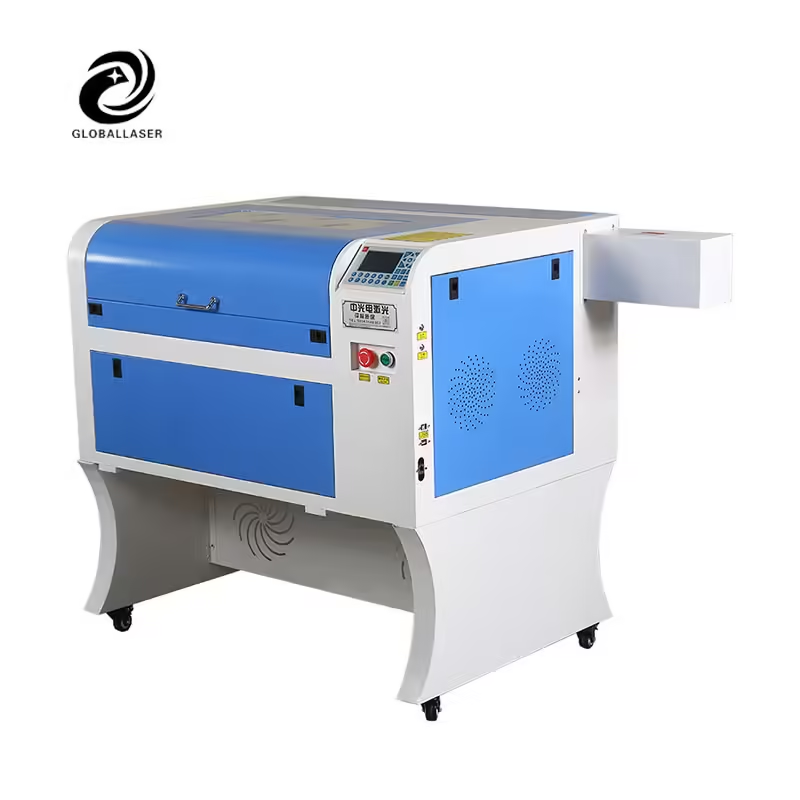
How Laser Engraving Wood Machines Work
Laser engraving wood machines operate by directing a focused laser beam onto the wood surface. The laser energy heats and vaporizes the material, leaving precise marks without physical contact. The process can be controlled through software that adjusts speed, intensity, and design patterns.
This technology allows for intricate designs that would be difficult or impossible with manual tools. The precision also reduces waste and ensures consistent results across multiple projects.
Types of Laser Engraving Wood Machines
- CO2 Laser Machines: Ideal for softwood and plywood, these machines offer high precision and moderate speed.
- Fiber Laser Machines: Less common in woodworking, better suited for metal marking but can handle some wood types with specific coatings.
- Hybrid Models: Combine features from multiple technologies for increased versatility.
Each type has unique advantages depending on the materials and project scale, allowing users to choose based on their specific needs.
Key Components of a Laser Engraving Wood Machine
- Laser Source: Determines the power and type of material the machine can handle.
- Motion System: Guides the laser along X, Y, and sometimes Z axes to create precise patterns.
- Control Software: Converts digital designs into laser paths, offering adjustable settings for speed, power, and resolution.
- Cooling System: Essential for maintaining the laser’s efficiency and preventing overheating.
Understanding these components is crucial for effective operation, maintenance, and troubleshooting.
Applications of Laser Engraving Wood Machines
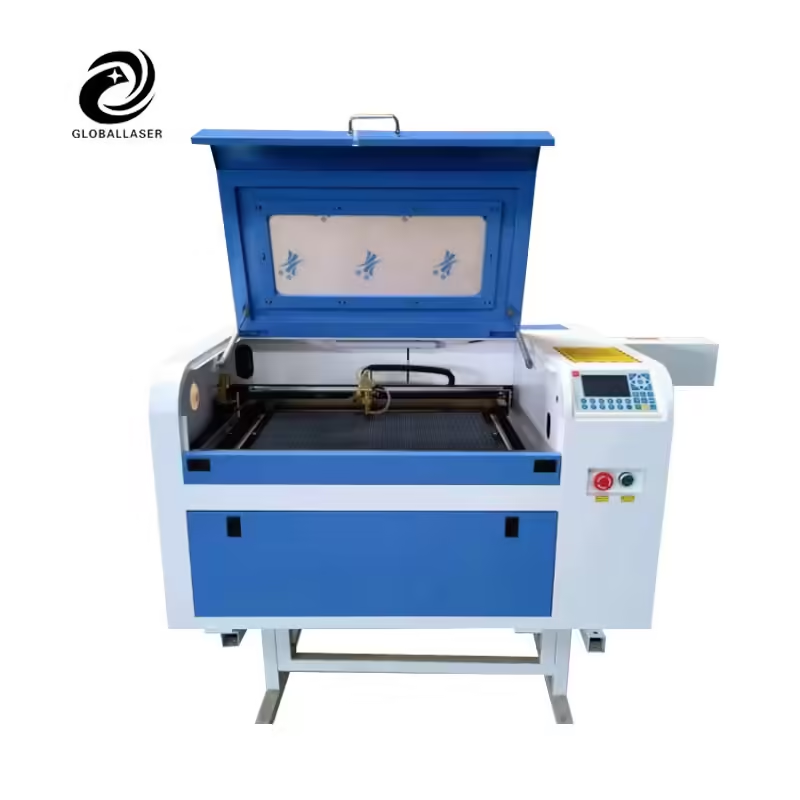
Artistic Woodcraft and Personalized Gifts
Laser engraving wood machines are perfect for creating personalized items such as custom signs, photo frames, and engraved wooden jewelry. They allow creators to offer unique designs quickly and efficiently.
The precision and versatility of these machines enable users to engrave intricate patterns that were previously time-consuming or impossible with hand tools. They are particularly popular in the gifting industry due to the high demand for personalized items.
Furniture and Interior Design
From decorative panels to customized furniture, laser engraving wood machines offer designers tools to add artistic flair to interiors. Patterns can be engraved directly into table tops, chair backs, or cabinet surfaces, creating high-end visual effects.
Educational and Prototyping Uses
Many educational institutions and makerspaces use laser engraving wood machines to teach students design, CAD software, and precision craftsmanship. Rapid prototyping of wooden models helps students understand complex concepts quickly.
Choosing the Right Laser Engraving Wood Machine
Comparing Entry-Level vs Professional Machines
| Feature | Entry-Level Machine | Professional Machine |
|---|---|---|
| Laser Power | 40-60W | 80-150W |
| Engraving Speed | Moderate | High |
| Supported Wood Types | Softwoods, plywood | Hardwood, MDF, plywood |
| Software Compatibility | Basic | Advanced CAD/Design software |
| Price Range | $300-$1,000 | $2,000-$10,000 |
Entry-level machines are ideal for hobbyists or small projects, while professional machines cater to larger-scale production and complex designs. Understanding these differences helps buyers make informed decisions based on budget and intended use.
Evaluating Machine Features
- Engraving Area: Larger areas provide more flexibility for bigger projects but may increase the machine’s cost.
- Resolution: Higher resolution ensures finer details and cleaner designs.
- Safety Features: Look for emergency stops, enclosures, and ventilation systems to prevent accidents.
- Maintenance Requirements: Some machines require more frequent calibration and part replacements than others.
Design Concepts and Techniques
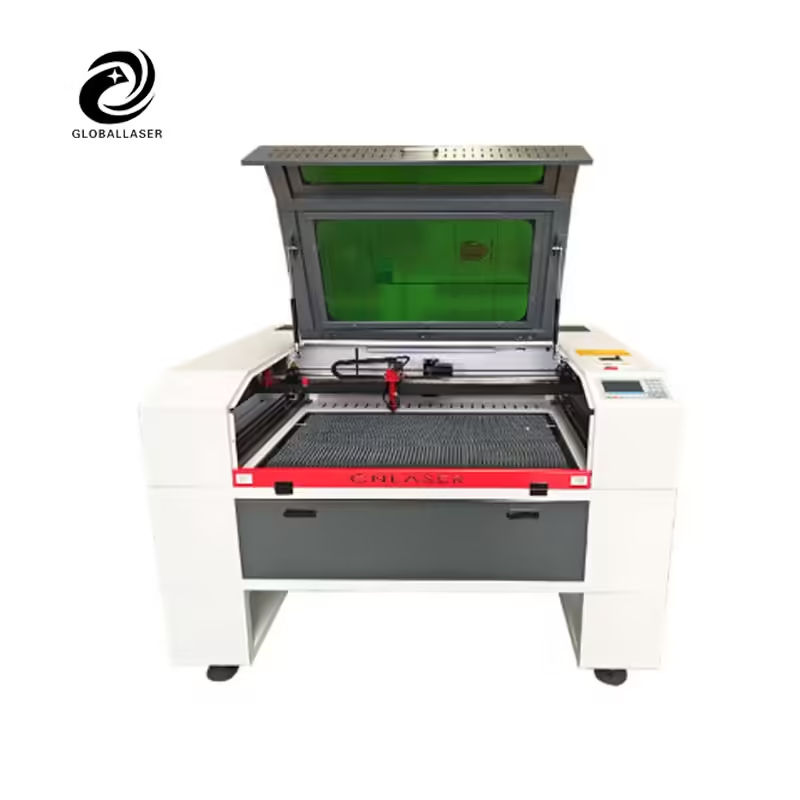
Raster vs Vector Engraving
Raster engraving involves scanning line by line to etch a design, suitable for images and photographs. Vector engraving follows paths and is ideal for text, outlines, and geometric shapes. Understanding the difference helps users choose the appropriate method for their project.
Depth and Layering Techniques
Adjusting the laser’s power and speed can create multi-layered designs, adding depth and texture. This technique is widely used in decorative panels and 3D wood art.
Combining Materials
Some projects combine wood with acrylic, leather, or metal inserts. Laser engraving wood machines provide precision that allows seamless integration of different materials into one design.
Efficiency and Workflow Optimization
Batch Production Tips
Using consistent settings and templates allows multiple pieces to be engraved in a single run. This reduces setup time and increases production efficiency.
Maintenance Best Practices
Regular cleaning of lenses, mirrors, and the workspace ensures consistent quality and reduces the risk of breakdowns. Preventive maintenance is critical for longevity and performance.
Software Workflow Integration
Modern laser engraving wood machines often integrate with CAD software and digital design tools. Automating repetitive patterns and creating reusable templates saves significant time.
FAQ
What is a laser engraving wood machine?
It’s a device that uses a laser to etch designs onto wood. It’s precise, fast, and works without touching the wood.
Can beginners use it safely?
Yes, with protective enclosures, proper ventilation, and careful supervision, beginners can use it safely.
Which wood is best for engraving?
Softwoods like pine or basswood are easiest. Hardwoods like oak or maple work well with higher power settings.
How long does engraving take?
Simple designs take minutes; detailed images or layered projects can take 20–60 minutes.
Can it be used commercially?
Yes, for signs, gifts, furniture accents, and decorative items, especially with professional machines.
How to optimize designs?
Use vector graphics for text, raster for images, adjust contrast, and fit designs to the work area.
Can I mix materials with wood?
Yes—acrylic, leather, or metal can be added, but adjust laser settings for each material.